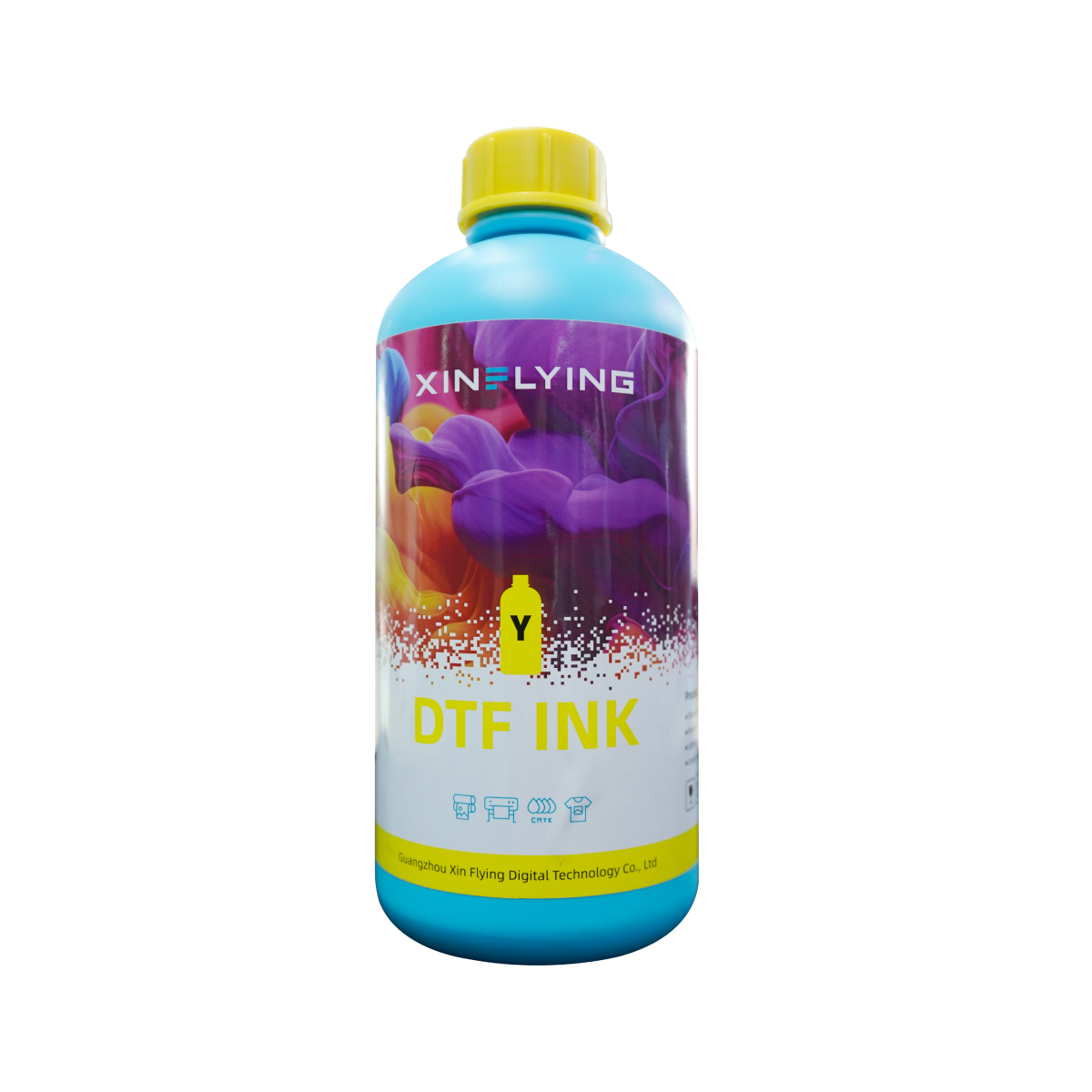
For businesses relying on Direct-to-Film (DTF) printing, maintaining your inkjet printer with quality DTF ink is essential for achieving vibrant and durable prints. Regularly refilling DTF ink not only extends the life of the printer but also ensures that production quality remains high. This article offers step-by-step instructions on how to refill DTF ink in inkjet printers, ensuring smooth operation and optimal performance.
Preparing for the Ink Refill Process
Before beginning the refilling process, it is crucial to gather the necessary materials. Ensure that you have high-quality DTF ink for inkjet printers, such as that produced by Xinflying, which is known for its exceptional color fidelity and reliability. Using a compatible DTF pigment ink is vital to avoid clogs and maintain performance.
First, prepare your workspace by laying down protective coverings to catch any spills. It’s advisable to work in a well-ventilated area, as some inks may have odors or require precautions when handled. Make sure to turn off the printer before starting the refilling process to prevent any accidental prints or malfunctions.
Next, access the printer’s ink cartridges. This typically involves lifting the printer cover or accessing a specific compartment designed for the cartridges. Make sure to identify the correct cartridges for each color of DTF ink, as refilling the wrong one can lead to unwanted results.
Steps for Refilling DTF Ink
Remove the Cartridges: Carefully pull out the ink cartridges from the printer. Most models will have a specific mechanism that holds them in place, making it easy to remove them without causing damage.
Prepare the Ink Bottles: Shake the DTF ink bottles gently to ensure that the pigments are well mixed. This is important for achieving consistent colors during printing.
Fill the Cartridges: Using a syringe with a fine tip, draw the DTF ink into the syringe. Then, insert the syringe into the cartridge’s refill port and slowly expel the ink into the cartridge. Be careful not to overfill, as this can lead to leaks and poor printing quality.
Seal and Reinstall: Once the cartridges are filled, securely close any ports to prevent ink from drying out. Reinstall the cartridges back into the printer, ensuring that they are properly seated in their respective slots.
Run a Test Print: After refilling the ink, power the printer back on and run a test print to ensure that the ink flows smoothly and that the colors are accurate. If there are any issues, perform a head cleaning cycle to clear any potential clogs.
Maximizing Performance with Quality DTF Ink
Refilling DTF ink in inkjet printers is a straightforward process that, when done correctly, can greatly enhance operational efficiency. By using high-quality DTF ink, such as that offered by Xinflying, businesses can ensure vibrant colors, strong adhesion, and durability in their prints.
Choosing the right DTF ink and following these refilling instructions will help maintain the performance of your inkjet printer while delivering outstanding results. In the competitive world of custom printing, ensuring smooth operation and quality output is crucial to meeting client demands and maintaining a strong market presence. By prioritizing proper maintenance, companies can optimize their printing processes and achieve lasting success.